
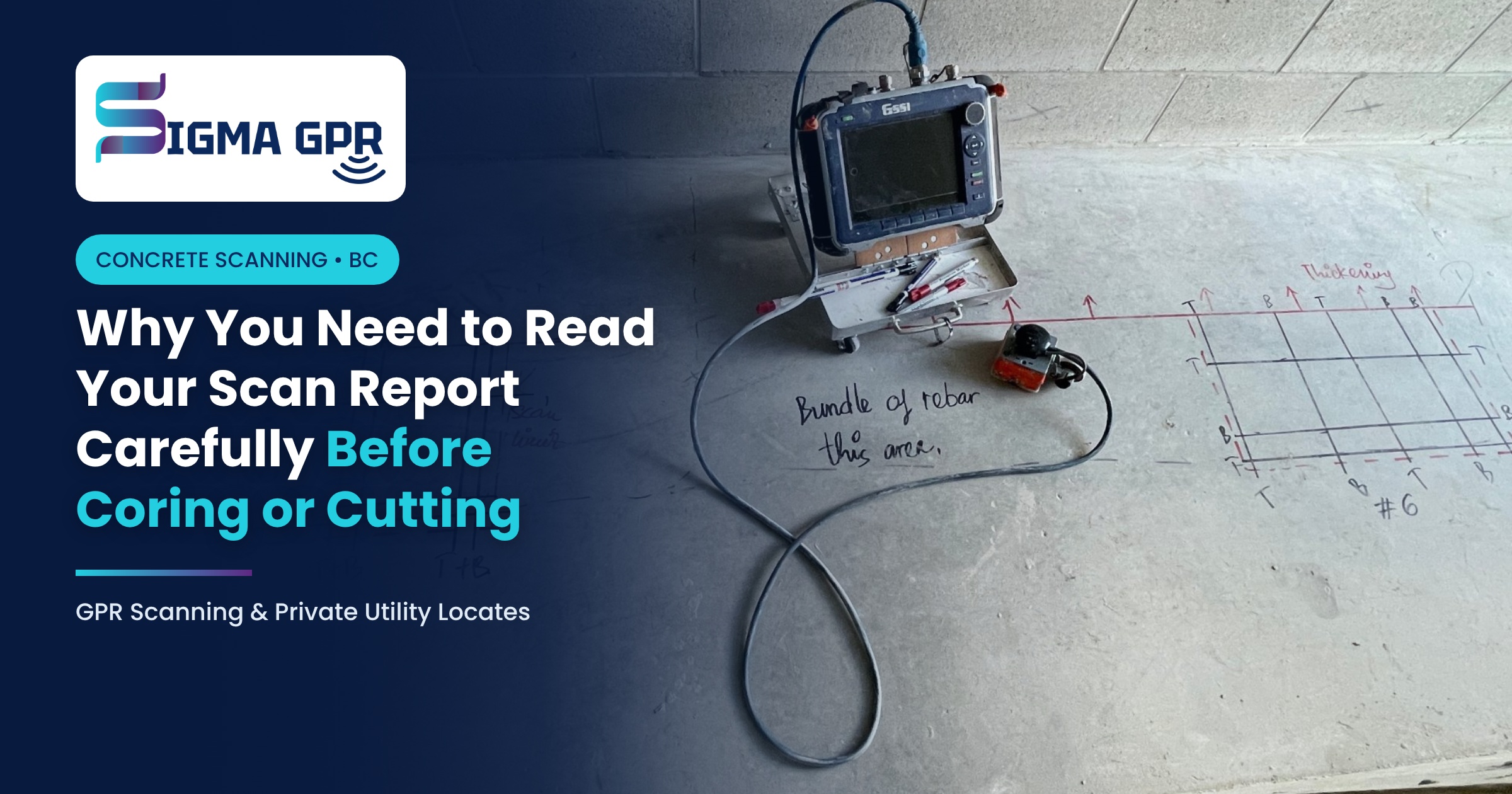
A concrete scan report only protects your crew if someone reads it, understands it and passes it on. Most strikes after a scan don’t happen because the scan was wrong. They happen because a core was moved, a note was missed or the person holding the drill never saw the report.
Here is what your scan report and markings tell you, the mistakes we see most often, and a simple check to run before the first core or cut.
What your scan report and markings show
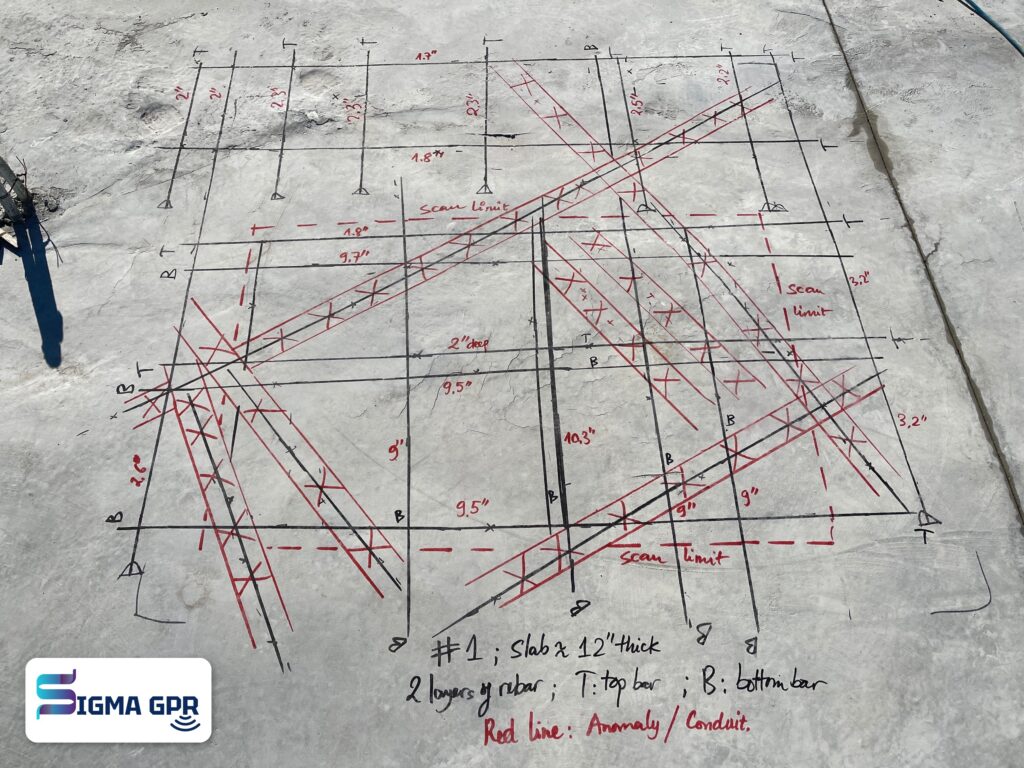
A scan gives you two things: the marks on the concrete and the report that explains them.
Item | What it tells you |
|---|---|
Lines on the slab | Where rebar, post-tension cables, conduits or other objects run |
Colour or symbol legend | Which mark means which type of object |
Depths | How deep each object sits below the surface |
Safe zones | Where you can core, cut or anchor with the lowest risk |
Scan limits | The edge of the area that was actually scanned |
Uncertain areas | Spots where the signal was unclear and extra care is needed |
Notes | Slab thickness, PT slab warnings, access limits, anything unusual |
Photos | Each location with its markings, for the job file |
Why reading it carefully matters
The scan only covers what was scanned. Every scan has limits. A core moved 30 cm outside the scanned area is a core into the unknown.
Not every line is rebar. A post-tension cable or a live conduit can sit right next to ordinary rebar. The legend tells you which is which, and that difference decides whether you can drill nearby.
Depth matters. A shallow anchor may clear an object that a full-depth core would hit. Check the depth before you change the drill bit or the plan.
“Clear” has conditions. A clear result means nothing was detected within the scan limits and depth range. Notes on uncertain areas or reduced depth are there for a reason.
Marks don’t last forever. Foot traffic, cleaning and water wear paint and marker away. The report and photos are the backup when the marks fade.
Common mistakes we see
- Moving a core “just a few inches” without checking the report
- Coring outside the scan limits
- Treating every line as rebar and drilling next to a PT cable or conduit
- Missing a note about an uncertain area or a post-tension slab
- Giving the report to the office but not to the coring crew
- A new crew or shift starting work without seeing the report
- Using old marks after the slab was cleaned or the plan changed
Check before you core or cut
- Read the whole report, including the notes, not just the photos.
- Match every planned location to a scanned and marked spot.
- Confirm the legend: what each colour or symbol means.
- Check the depth of anything near your core or cut against your drill depth.
- Stay inside the scan limits. If a location moves outside them, stop and ask.
- Look for uncertain areas and avoid them or ask for advice.
- Brief the crew on site, including the operator holding the drill.
- Keep the report and photos on site for every shift until the work is done.
When to call us before you drill
- A location has moved since the scan
- Marks are faded, washed off or covered
- The core size or depth has changed
- Something in the report is unclear
- You hit something unexpected while drilling: stop work and call
A quick call or a short re-scan is always cheaper than a cut tendon or a damaged conduit.
Keep the report for your records
Scan reports are useful long after the job: for safety audits, close-out documents and future renovations in the same building. Store them with your job file. Our free Site Log keeps dated photos and notes in one place.
Want to know more about what the scan itself can see? Read What a Concrete Scan Actually Tells You.
Book a scan with clear results
At Sigma GPR, our technicians mark every finding on the concrete and walk your crew through it before they leave.
Book a scan or call (778) 302-0868.